Disclosure: This post contains affiliate links. If you make a purchase through one of the links on this page, AI From Japan may earn a small commission at no additional cost to you. I test products hands-on from Kansai wherever I can; for anything I can’t verify myself, I rely on independent tests and real user reports — and I say so in the article. Read our full Affiliate Disclosure for details on every program we participate in.
Last Updated: June 27, 2026 · Reviewed by Ryuyan from Kansai, Japan
Quick Answer: Setting up a travel eSIM for Japan is four moves: (1) install the QR profile before you fly while on home Wi-Fi; (2) after landing, make sure the Japan eSIM line is ON and selected for mobile data; (3) turn ON Data Roaming for that line — this is the single most common reason people see “No Service”; (4) leave your home SIM in for calls but set its data to OFF. That’s it. Below I walk through iPhone and Android screen by screen, plus the exact fixes when data won’t start.
Transparency: The setup steps here are compiled from the official Airalo, Saily, Holafly and Ubigi help centers and several 2026 Japan eSIM setup guides, combined with hands-on familiarity from installing eSIMs here in Kansai (the Osaka–Kyoto–Kobe region). Prices and features were checked June 27, 2026. I did not benchmark network speeds for this guide — any coverage notes cite the provider docs.
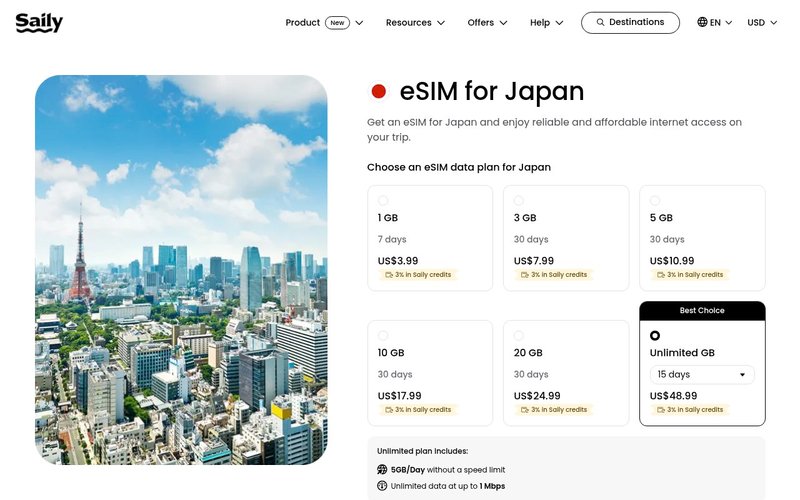
Table of Contents
- Before You Buy: Compatibility Check (30 seconds)
- The Universal eSIM Setup Flow
- Step-by-Step: iPhone
- Step-by-Step: Android
- The #1 Gotcha: Data Roaming
- Per-Provider Activation Notes
- APN Settings (Only If Data Won’t Start)
- Troubleshooting “No Service”
- Which eSIM Should You Set Up?
- FAQ
- Final Verdict
If you have not actually bought an eSIM yet and just want the fastest correct choice, my full breakdown lives in Best eSIM for Japan and the head-to-head Airalo vs Saily vs Holafly. This page assumes you have one (or are about to grab one) and want it working the moment you land.
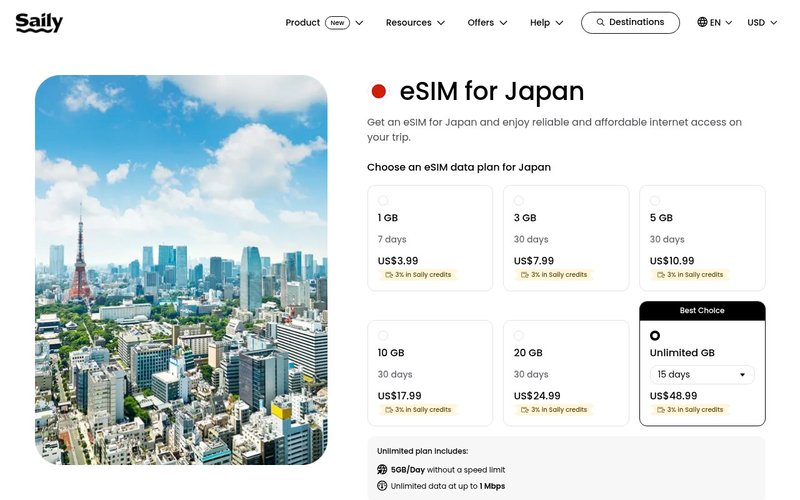
Want the least-hassle setup? Saily (built by the NordVPN team) installs from one clean app and currently gives AI From Japan readers 10% off with code AIFROMJAPAN10. Check Saily’s Japan plans here (affiliate link).
Before You Buy: Compatibility Check (30 seconds)
Two things must both be true: your phone is eSIM-compatible AND carrier-unlocked. A locked phone from your home carrier will reject the profile no matter what.
The fastest check: open your dialer and type *#06#. If an EID number appears alongside your IMEI, your phone supports eSIM.
- iPhone: eSIM is supported on iPhone XS / XR (2018) and newer.
- Android: Google Pixel 3+, Samsung Galaxy S20+, plus many recent Huawei, Oppo, Xiaomi and Motorola models.
⚠ Watch out: Android eSIM support varies by region. The Japan, US and Australia variants of the “same” model can differ, so check your exact model number, not just the name.
⚠ Almost every travel eSIM for Japan is data-only — no Japanese phone number and no SMS line. That’s perfect for maps, LINE (Japan’s main messaging app), WhatsApp and email, but it won’t receive SMS verification codes on a local number or make voice calls from a Japanese number.
💡 Pro tip: If you specifically need a Japanese number for SMS-code logins, a data-only travel eSIM isn’t the tool — you’d want a local SIM with a number. For 95% of tourists, data-only is exactly right.
The Universal eSIM Setup Flow
Every brand (Airalo, Saily, Holafly, Ubigi) follows the same shape. Learn this once and the per-brand wording barely matters.
- Buy + install BEFORE you fly, while on home Wi-Fi. You get a QR code by email or inside the provider’s app.
- Installing is not activating. For most plans, validity starts when you first connect to a Japanese network, not at install — but confirm this per provider.
- After landing, switch off Airplane mode and make sure the Japan eSIM is the selected data line.
- Turn ON Data Roaming for that line (the big gotcha — full section below).
- Keep your home SIM for calls/texts but set its data and roaming to OFF so you’re not billed home-carrier roaming.
💡 Pro tip: Installing the profile at home means a flaky airport Wi-Fi can’t block your setup. Do it the night before your flight.
Step-by-Step: iPhone
On iOS the path is short and the same across recent versions:
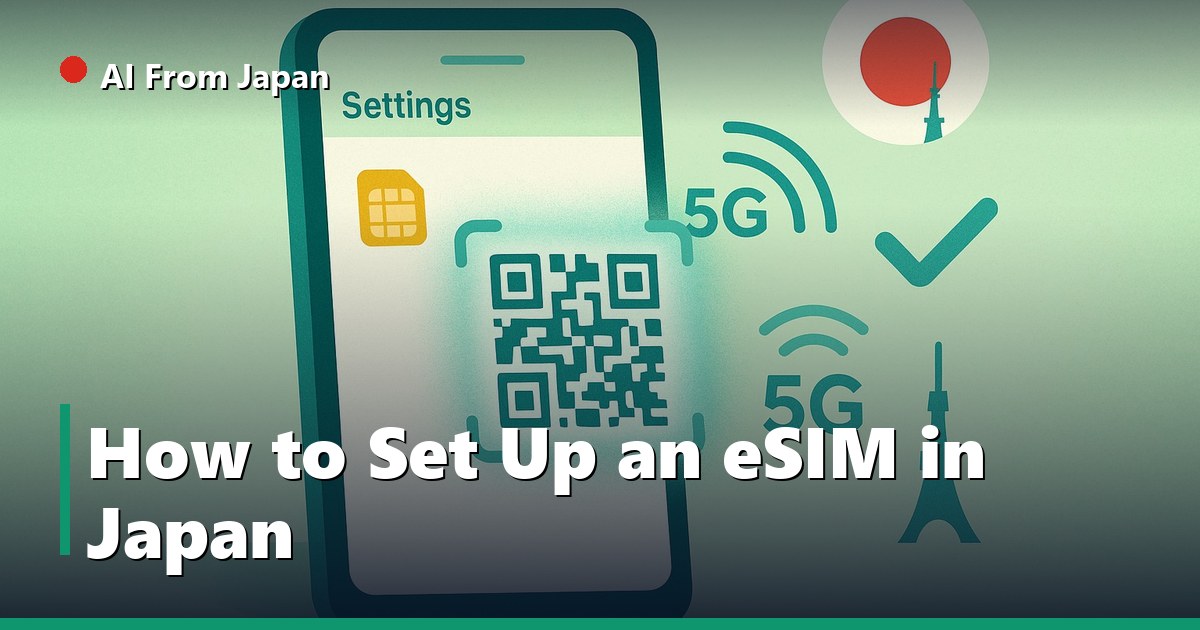
- Go to Settings → Cellular (called Mobile Data in some regions).
- Tap Add eSIM → Use QR Code.
- Scan the provider’s QR code. No QR? Tap Enter Details Manually and paste the SM-DP+ address and code from your email.
- Give the line a clear label like “Japan eSIM” so you don’t mix it up with your home line.
- After landing: Settings → Cellular → [Japan eSIM] → make sure it’s ON, then turn Data Roaming ON.
Within a few seconds the carrier name — SoftBank, docomo, or au/KDDI depending on which eSIM you bought — appears in the status bar. That’s your “it’s working” signal.
Step-by-Step: Android
Android wording differs slightly between Pixel and Samsung, but the flow is identical:
- Pixel: Settings → Network & internet → SIMs → Download a SIM.
- Samsung: Settings → Connections → SIM manager → Add mobile plan / Add eSIM.
- Choose Scan QR code, scan it, and confirm the download.
- Name the plan “Japan eSIM”.
- After landing: open the SIM settings, select the Japan eSIM for mobile data, and turn Data Roaming ON.
⚠ On dual-SIM Android phones, double-check which line is set as the default for mobile data. If your home SIM is still the data line, you’ll keep using (and paying) home roaming instead of the eSIM.
The #1 Gotcha: Turn On Data Roaming
If you remember one thing from this guide, remember this. The big travel-eSIM brands — Airalo, Saily, Holafly, Ubigi — are roaming-type eSIMs. They will show “No Service” or no data until you switch Data Roaming ON for that line.
iOS path: Settings → Cellular → [Japan eSIM] → Data Roaming ON. It feels wrong to enable roaming on purpose, but for a travel eSIM it’s required and it does not bill you extra — the plan you bought already covers Japan.
The one exception: a few native-network SIMs that connect directly to a Japanese carrier don’t need roaming on. But the four big travel brands above all do.
Mid-trip backup tip: If you want unlimited data and the simplest “it just connects” experience, Holafly is the easy button and gives readers 5% off with code AIFROMJAPAN. For strong 5G with tethering, Ubigi is excellent and gives new customers 10% off with code AIFROMJAPAN.
► See Holafly unlimited Japan eSIM (affiliate link) | See Ubigi 5G Japan eSIM (affiliate link).
Per-Provider Activation Notes
The universal flow covers all of them; here’s the brand-specific colour, with each one’s reader perk. Wording in each app changes occasionally, so trust the app’s on-screen instructions if they differ.
Airalo
Install via the Airalo app (“My eSIMs” → Install) or the emailed QR. For Japan it runs on SoftBank. Turn Data Roaming ON after landing.
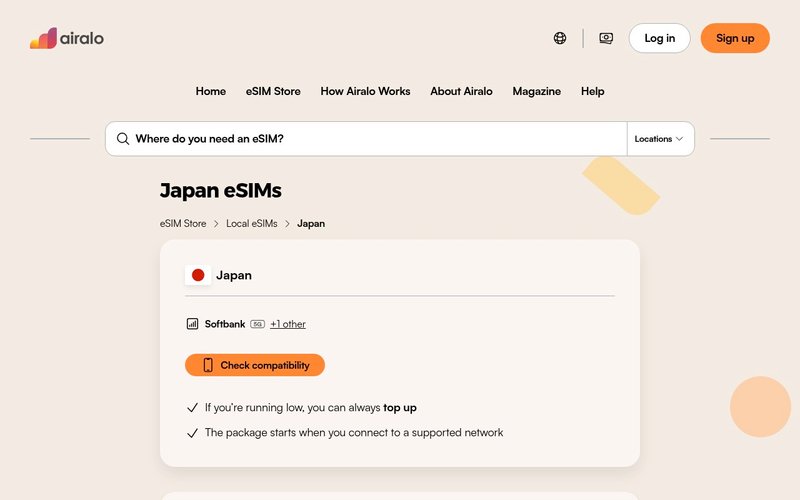
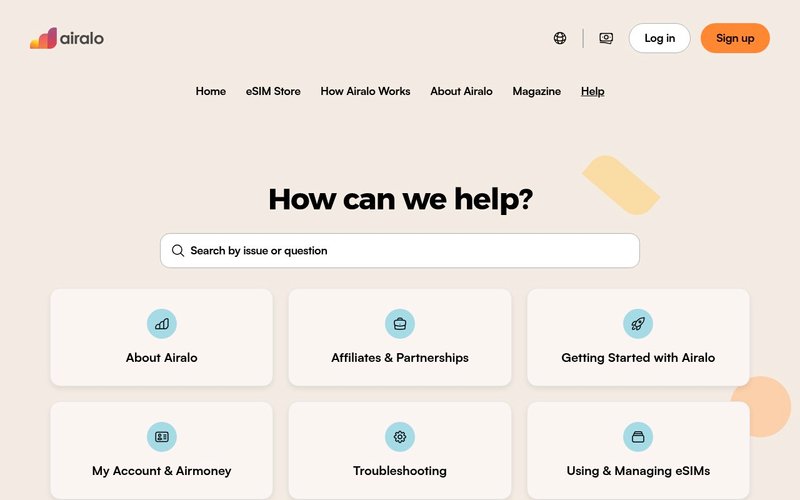
Best for: first-timers who want the most recognised name and a huge plan catalogue. Airalo is not yet an affiliate partner of mine, so this is a plain recommendation — no link tricks. Airalo’s site is here if you want to compare.
Saily
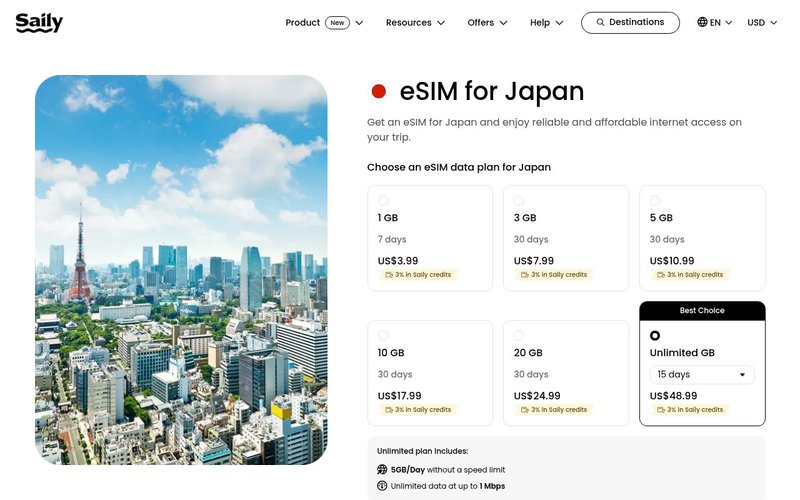
Install via the Saily app (made by Nord Security, the NordVPN people). Turn Data Roaming ON. The app also bundles ad-block and basic web protection, which is a nice touch on public Wi-Fi.
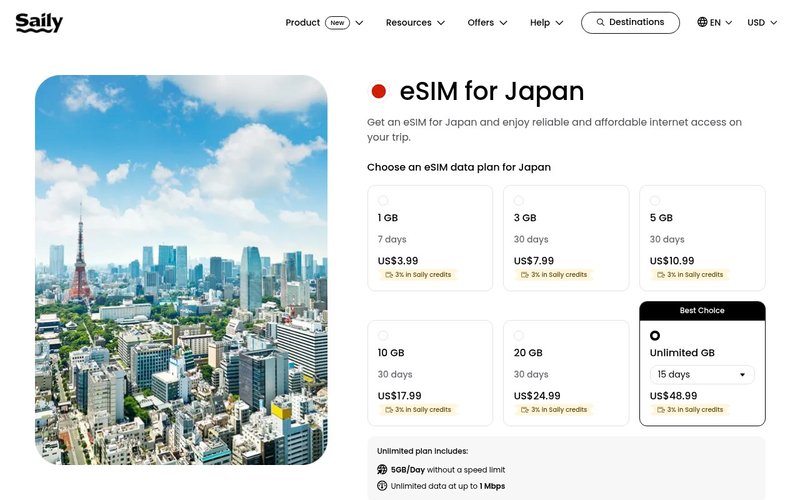
Best for: readers who want a clean, modern app and a little extra security baked in. Reader code AIFROMJAPAN10 = 10% off. Check Saily Japan plans (affiliate link).
Holafly
QR by email or the Holafly app; runs on KDDI/SoftBank. Data Roaming ON. Plans are unlimited data, though tethering (hotspot) is capped at roughly 1 GB/day.
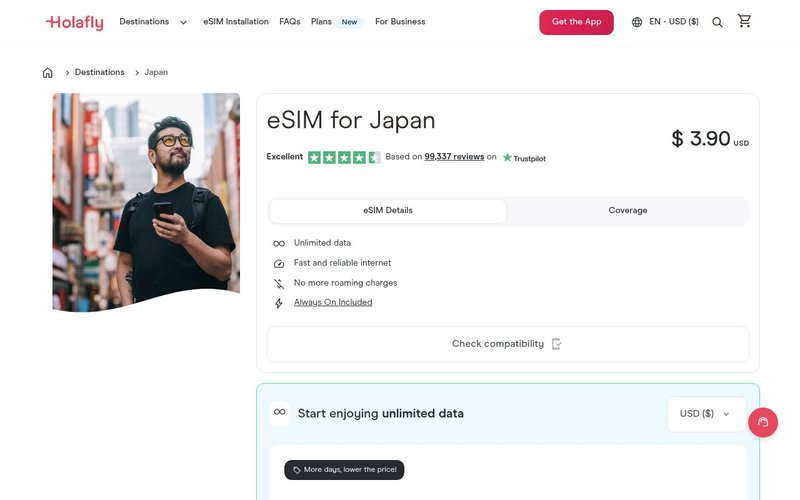
Best for: heavy users who don’t want to count gigabytes. Reader code AIFROMJAPAN = 5% off. Check Holafly Japan plans (affiliate link).
Ubigi
Install via the Ubigi app or QR. Strong 5G on the NTT/Transatel network, and tethering is allowed. Data Roaming ON.
[IMAGE UNAVAILABLE: サイトがボット検知でブロック]
Best for: digital nomads and remote workers who tether a laptop. Reader code AIFROMJAPAN = 10% off for new customers. Check Ubigi Japan plans (affiliate link).
APN Settings (Only If Data Won’t Start)
Most eSIMs auto-configure, so skip this unless data still won’t connect after Data Roaming is on.
If needed: iOS Settings → Cellular → Cellular Data Network and enter the APN from your provider’s setup email. Common Japan APNs seen in setup guides include jpmob.jp, plus.acs.jp and m-air.jp.
⚠ Don’t guess the APN. Use the exact one your provider specifies — the wrong APN guarantees no data.
Troubleshooting “No Service” in Japan
Here’s the checklist I run through, in order, when someone messages me from Narita or Kansai Airport with a dead eSIM:
- Data Roaming OFF — 99% of cases. Turn it ON for the Japan eSIM line.
- Wrong data line — make sure the home SIM’s data is OFF and the Japan eSIM is the selected data line.
- Force a re-scan — toggle Airplane mode for about 10 seconds, then off.
- Don’t delete the eSIM to “reinstall” — most cannot be re-downloaded from the same QR. Keep it until your trip ends.
- Installed too late — if you skipped installing at home, you’ll need any Wi-Fi (airport, hotel) to download the profile.
💡 Pro tip: Travelling with family on several phones? Set each one up at home the night before and label every line “Japan eSIM”. Doing five phones on airport Wi-Fi is a nightmare you can skip.
Which eSIM Should You Set Up? (Situation-Based)
There’s no single “best” — it depends on you. Honest, situation-based picks:
- Least hassle / clean app: Saily (code AIFROMJAPAN10).
- Heavy unlimited data: Holafly (code AIFROMJAPAN), keeping the ~1 GB/day tether cap in mind.
- Tethering a laptop / 5G: Ubigi (code AIFROMJAPAN).
- Most recognised name / biggest catalogue: Airalo (no code, no affiliate — still a solid pick).
- On a tight budget: compare current per-GB pricing in my Airalo vs Saily vs Holafly breakdown — the cheapest changes with promos.
Alternatives to the Big Four
If none of the above fit, three more options worth a look:
- Sakura Mobile / Japan Wireless: Japan-local providers with native-network connections — handy if you’d rather not deal with roaming toggles at all.
- Ninja WiFi / pocket Wi-Fi rental: a rented hotspot for groups, so one device covers everyone (heavier to carry, but no per-phone setup).
- Mobal: one of the few that offers a real Japanese phone number alongside data, useful if you need SMS on a local line.
A Quick Note on Privacy & Streaming
Your eSIM gets you online; it doesn’t change which region your apps think you’re in. If you want to keep watching your home services or use public Wi-Fi safely, a VPN is the companion tool.
I cover that in Best VPN for Japan, and travelers who want their Japanese streaming on the trip back home should read how to watch ABEMA & TVer outside Japan.
Frequently Asked Questions
Do I install the eSIM before or after arriving in Japan?
Install before you fly, on home Wi-Fi. Installing the profile is separate from activation, which usually begins when you first connect to a Japanese network.
Why does my eSIM say “No Service” after landing?
Almost always Data Roaming is off for the eSIM line. Turn it on, then toggle Airplane mode for 10 seconds to force a re-scan.
Can I keep my home number working?
Yes. Leave your home SIM in for calls and texts, but set its data and roaming to OFF, and use the Japan eSIM for all data.
Will a travel eSIM give me a Japanese phone number?
No — the big travel eSIMs are data-only. If you need a Japanese number for SMS codes, choose a provider like Mobal that offers one.
Can I tether / hotspot on a Japan eSIM?
Often yes. Ubigi allows tethering; Holafly’s unlimited plans cap the hotspot around 1 GB/day. Check your specific plan.
What if I deleted the eSIM by accident?
Most QRs are single-use, so you usually can’t re-download. Contact the provider’s support before buying a replacement.
Final Verdict
eSIM setup for Japan is genuinely easy once you know the rhythm: install at home, select the Japan line, turn on Data Roaming, leave home-SIM data off. That one roaming toggle solves the vast majority of “it’s not working” panics.
For most readers I’d start with Saily for the cleanest app (code AIFROMJAPAN10, 10% off), choose Holafly if you want unlimited data (code AIFROMJAPAN, 5% off), or Ubigi if you tether a laptop on 5G (code AIFROMJAPAN, 10% off). Airalo remains a great, no-strings pick.
► Get Saily for Japan (10% off) (affiliate link) | Get Holafly unlimited (affiliate link) | Get Ubigi 5G (affiliate link).
Still deciding which to buy before you set it up? My Best eSIM for Japan guide ranks them by traveler type. Got stuck on a specific phone or error? Drop a comment with your device and what the screen says — I read and reply to every one. Safe travels, and welcome to Japan. 👋
Related Articles You Might Find Useful
If this guide was helpful, here are a few more from AI From Japan covering related topics:
- How Much Data Do You Need for a Japan Trip? (2026)
- eSIM vs Pocket WiFi for Japan (2026): Which Should You Actually Get?
- Best eSIM for Japan in 2026 — Honest Picks for Tourists, Expats & Digital Nomads
- Airalo vs Saily vs Holafly: Best eSIM for Japan? (2026)
- Best VPN for Japan 2026: Top 5 Picks for Expats, Travelers & Digital Nomads
- How to Watch ABEMA & TVer Outside Japan (with a VPN) in 2026
About the author
I’m Ryuyan Kimura, a content blogger based in the Kansai region of Japan. I’ve been reviewing AI tools, VPNs, and password managers for English-speaking expats and Japanese learners since AI From Japan launched. I test products hands-on from real Japanese networks in Kansai (NURO Hikari fiber + ahamo / SoftBank mobile) wherever I can; long-term performance claims are backed by independent tests and real user reports.
Want the full story? Read my About page or check our Editorial Standards for how we test products.